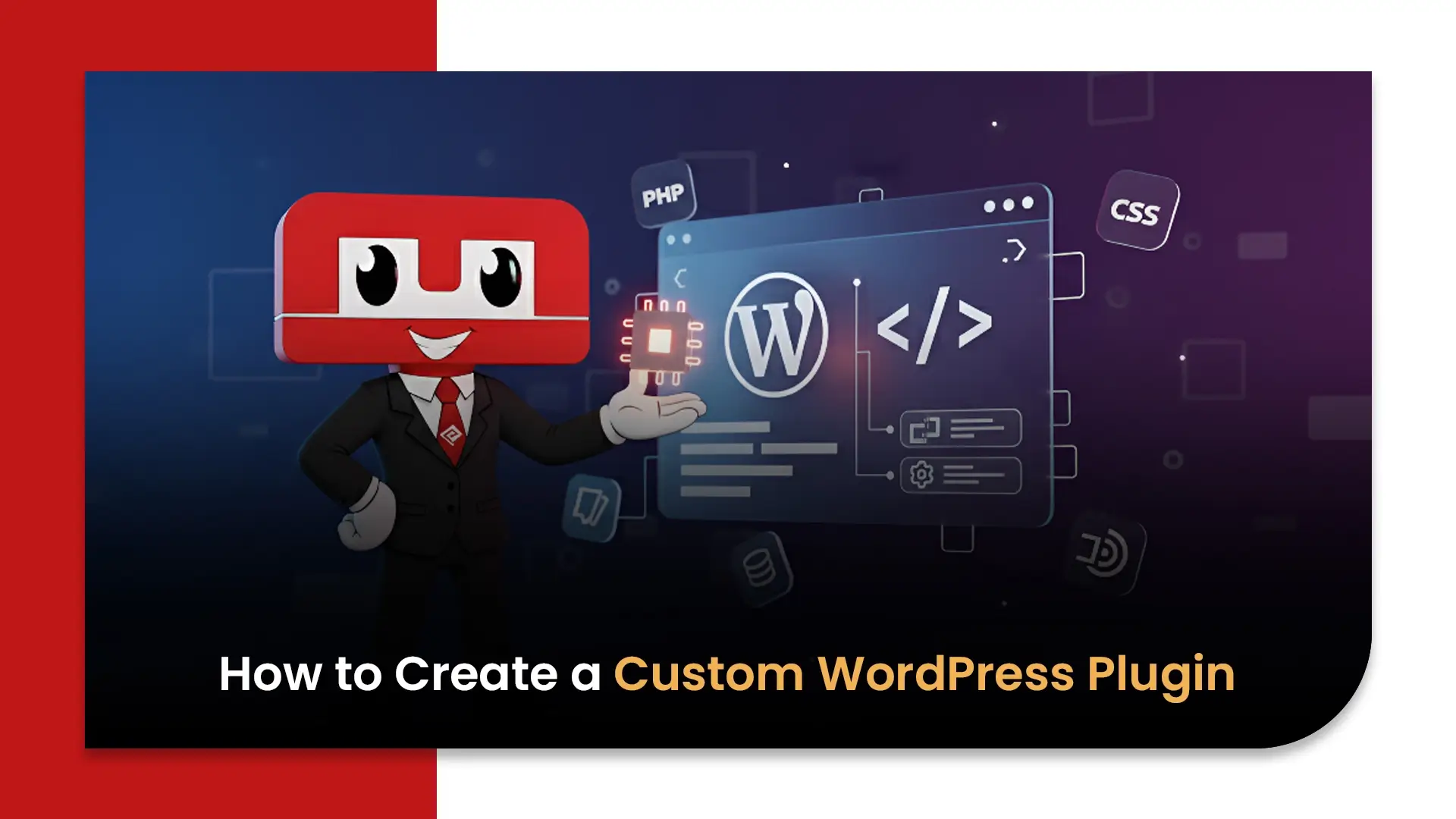
Step-by-Step Guide to Creating a Custom WordPress Plugin
A lot of businesses hit a wall with WordPress at the exact moment things start scaling. The website works, the content flows, traffic grows… and suddenly there’s one feature the theme or existing tools can’t deliver. Not efficiently, not securely, and definitely not at the level a serious brand expects. The difference between an average WordPress website and a strategic platform has been added to the installation by a custom WordPress plugin.
This guide will explain what a WordPress Plugin is and how to create your own plugin that will work easily with your site by showing you how plugins function and what you need in order to develop an efficient plugin for your site without causing any issues.
WordPress Plugin – Definition of a Plugin and How It Works
Plugins are pieces of custom-developed code that extend the functionality of WordPress and enhance the features of the core product in a way that integrates all types of functions that would be performed at the WordPress core level in a normal WordPress installation.
Plugins are connected to the core of WordPress via pre-defined integration points and run only the code that is needed to accomplish the specific task associated with them. The processes that can take advantage of this include:
- Automated marketing workflows
- Payment gateways
- Integrating CRMs/Analytics tools
- Creating team specific dashboards
There are over 60,000 plugins listed in the official repository; in addition, there are many thousands of plugins available via private distribution. With 43% of websites currently using the WordPress platform, businesses should take into consideration plugin functionality in their digital infrastructure decisions.
Reasons Why a Custom WordPress Plugin is Required
Using pre-built plugins can be successful until you find out that they no longer meet your business needs. A custom-developed solution consists of the following:
- Off-the-shelf tools slow down the website
- Security risks increase due to unused features
- Multiple plugins conflict with each other
- Unique workflows require tailored automation
Marketing teams, especially, start demanding integrations with internal dashboards, analytics models, or proprietary tools. That’s where WordPress plugin development becomes less about “features” and more about operational control.
When designed well, a plugin can enhance performance and lessen your reliance on updates from third parties; it serves as the only location to host your business logic.
Requirements to Create a WordPress Plugin
Prior to developing a WordPress Plugin, there are several basic things to know:
- Basic understanding of PHP and WordPress architecture
- Familiarity with database structures
- Access to a staging environment
- Knowledge of security protocols and coding standards
A PHP WordPress plugin relies heavily on backend logic. That means development isn’t just about writing functions. It’s about understanding how WordPress loads content, manages users, and executes actions.
Businesses that skip this groundwork often end up with plugins that break during updates.
Setting Up a Local Development Environment for WordPress
Professional teams rarely develop directly on a live site. A local environment allows safe experimentation and faster iteration.
Typical setup includes:
- Local server tools like XAMPP, MAMP, or LocalWP
- A staging copy of the WordPress website
- Version control systems such as Git
- Debugging tools
This setup supports WordPress backend development and ensures every change is tested before deployment.
Industry teams now rely heavily on containerized environments. Tools like Docker are increasingly common because they replicate production environments with precision.
Basic File Structure of a Custom WordPress Plugin
Every plugin begins with a structured folder and a main PHP file.
The structure usually includes:
- Main plugin file
- Subfolders for assets, templates, and scripts
- Configuration and security files
Inside the main file, developers define plugin metadata, functions, and activation hooks.
Good custom plugin coding keeps logic modular. Instead of placing everything in one file, professional plugins are separated:
- Admin logic
- Frontend behavior
- API interactions
- Database operations
This improves maintainability and speeds up debugging later.
Using Hooks, Actions & Filters in Plugin Development
WordPress hooks and filters are the backbone of plugin behavior. They allow plugins to interact with WordPress without modifying the core.
Two primary types:
- Actions trigger functions at specific moments
- Filters modify existing data before display or storage
For example:
- An action can run after a user registers
- A filter can alter content before publishing
This architecture makes WordPress plugin development flexible and scalable. It also keeps websites stable during updates.
Most advanced plugin development guide frameworks revolve around mastering hooks rather than writing large amounts of code.
Adding Custom Functions and Features to a Plugin
A plugin becomes valuable when it solves real business problems. That usually involves:
- Custom dashboards
- Workflow automation
- Data synchronization
- Integration with third-party platforms
A strong custom WordPress plugin can replace multiple external tools. For instance:
- Marketing teams automate lead routing
- Ecommerce brands manage inventory logic
- SaaS platforms connect analytics pipelines
WooCommerce extensions helped brands like Allbirds scale ecommerce operations without shifting platforms. Their custom features handled shipping logic, tax automation, and reporting systems tailored to their internal processes.
That’s where WordPress development stops being a website task and becomes a business system.
Security Best Practices for WordPress Plugins
Security failures in plugins are one of the biggest causes of website breaches.
Essential practices include:
- Sanitizing user inputs
- Escaping outputs
- Using nonces for authentication
- Avoiding direct database queries when possible
- Following WordPress coding standards
According to security firm Sucuri, plugin vulnerabilities account for a significant portion of WordPress site compromises each year. Poor custom plugin coding often creates backdoors unknowingly.
Enterprise-grade plugin development includes:
- Role-based permissions
- API validation layers
- Encryption for sensitive data
Testing, Debugging & Optimizing a WordPress Plugin
Testing separates experimental coding from production-ready tools.
Key areas:
- Performance under load
- Compatibility with themes and other plugins
- Database efficiency
- Mobile responsiveness
Professional teams conduct staged rollouts before full deployment. Tools like Query Monitor and Debug Bar help analyze performance bottlenecks.
Optimization techniques include:
- Reducing unnecessary database calls
- Lazy loading assets
- Caching processes
Testing is often overlooked in a typical WordPress plugin tutorial, but it determines long-term stability.
How to Deploy, Maintain & Update a Custom Plugin
Deployment isn’t the finish line. It’s the start of lifecycle management.
Maintenance includes:
- Compatibility checks after WordPress updates
- Security patch releases
- Performance audits
- Feature iterations
Many businesses move to managed development partnerships at this stage. Several WordPress development companies in Ahmedabad now provide ongoing plugin maintenance models that align with marketing and tech roadmaps.
Regular updates ensure plugins evolve with the platform instead of breaking over time.
Trends Shaping Plugin Development Today
The plugin landscape is changing fast.
Notable trends:
- Headless WordPress architectures
- API-first plugin design
- AI integrations for automation and analytics
- Performance-first coding frameworks
An ever-growing number of WordPress development companies in Ahmedabad now develop plugins that connect to a CRM, Marketing Automation Platform, or Data Warehouse, in addition to just UI elements.
Recent discussions among experts at sites like WordCamp and other industry seminars continually emphasize:
- Security-first development
- Micro-plugin architectures
- Modular backend logic
The shift is clear. Plugins are becoming infrastructure, not add-ons.
The Strategic Role of Specialized Development Partners
Businesses expanding their digital ecosystem often rely on specialized development partners rather than internal teams alone.
Reasons include:
- Access to experienced developers
- Faster deployment cycles
- Long-term maintenance frameworks
- Strategic alignment with marketing operations
These firms bring structured WordPress plugin development practices and ensure every plugin supports performance, security, and scalability goals.
Lesser-Known Insights Most Businesses Miss
A few realities experienced teams understand:
- More plugins don’t mean more power. They often slow sites.
- A single custom plugin can replace five third-party tools.
- Backend efficiency affects SEO performance indirectly.
- Plugin architecture determines scalability, not just hosting.
Internal data from agencies shows performance improvements of up to 35% when redundant plugins are replaced with a single optimized custom solution.
Closing Take
A plugin is rarely just a feature. It becomes part of the business engine.
When built correctly, it:
- Reduces operational friction
- Supports marketing automation
- Improves site performance
- Protects data and workflows
When built poorly, it creates dependency, risk, and technical debt.
The real question isn’t how to create WordPress plugin functionality. It’s whether the plugin aligns with the long-term direction of the business.
Most companies focus on what the plugin will do today. The smarter ones focus on what it should still be doing three years from now.
Yes, basic knowledge of PHP is essential because WordPress is built using PHP. You should also understand HTML and CSS for front-end output, and JavaScript if your plugin includes interactive features. Additionally, familiarity with WordPress hooks (actions and filters) is important since they allow you to connect your custom functionality to WordPress without editing core files.
Hooks are predefined functions in WordPress that allow developers to insert custom code at specific points. There are two types:
Actions: Execute custom code at certain events (e.g., when a post is published).
Filters: Modify existing data before it is displayed or saved.
Hooks make plugin development powerful and flexible because they let you extend WordPress safely and efficiently.
Custom plugin files should be placed inside the wp-content/plugins directory. You typically create a new folder for your plugin and add a main PHP file with proper plugin header information. This ensures WordPress recognizes and lists your plugin in the admin dashboard under the Plugins section.
After adding your plugin folder and main file to the wp-content/plugins directory, go to the WordPress dashboard → Plugins → Installed Plugins. You’ll see your custom plugin listed there. Click “Activate” to enable it. Once activated, your custom functionality will start working based on the code you’ve written.
Yes, creating a custom plugin is the recommended approach. Editing theme files can cause issues when the theme is updated, as your changes may be overwritten. Plugins keep functionality separate from design, making your website more secure, organized, and easier to maintain long-term.

What started as a passion for marketing years ago turned into a purposeful journey of helping businesses communicate in a way that truly connects. I’m Heta Dave, the Founder & CEO of Eta Marketing Solution! With a sharp focus on strategy and human-first marketing, I closely work with brands to help them stand out of the crowd and create something that lasts, not just in visibility, but in impact!